See it on you
before you buy.
Three steps.
Zero fitting rooms.
Upload a photo
One clear photo of yourself. That's it — Fittly remembers it for every future try-on.
Add the product
Found something you love? Snap or upload a photo of the item — a top, dress, shoes, anything.
See it on you
In seconds, you see how it actually looks on your body. Buy with confidence — or dodge a bad look.
Snap it. Wear it.
 +
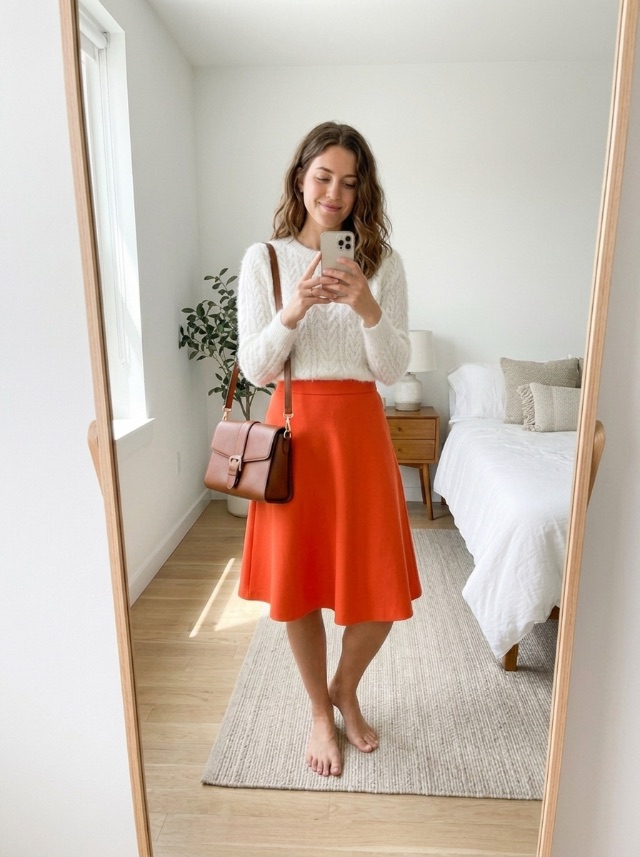
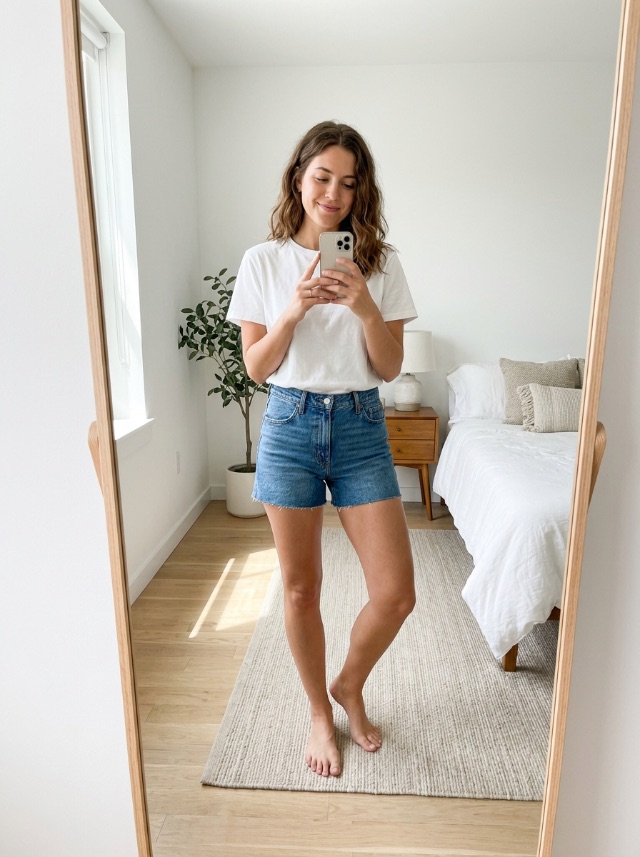
+See it on real shoppers.
Their own photo on the left, their Fittly try-on on the right.
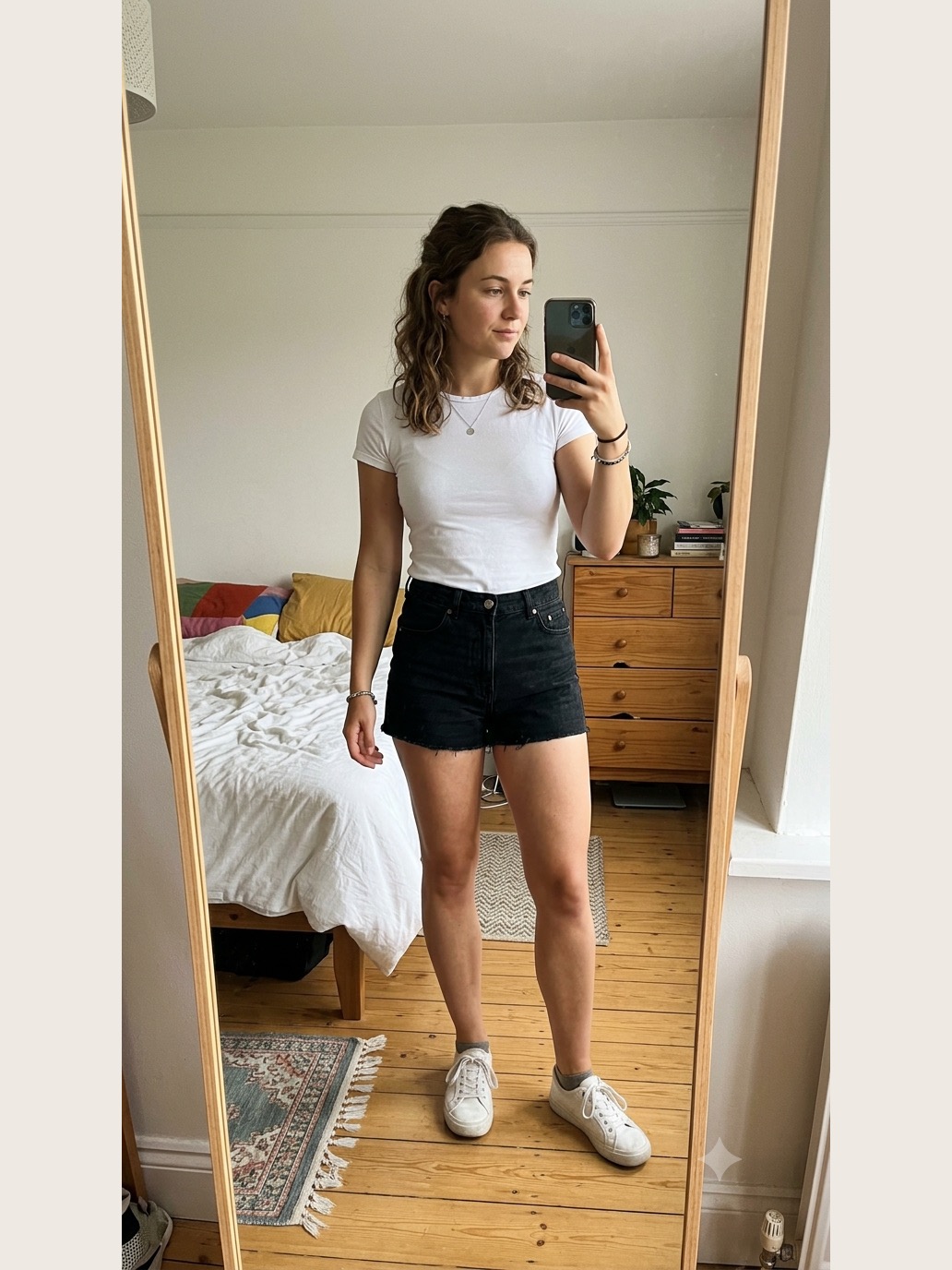
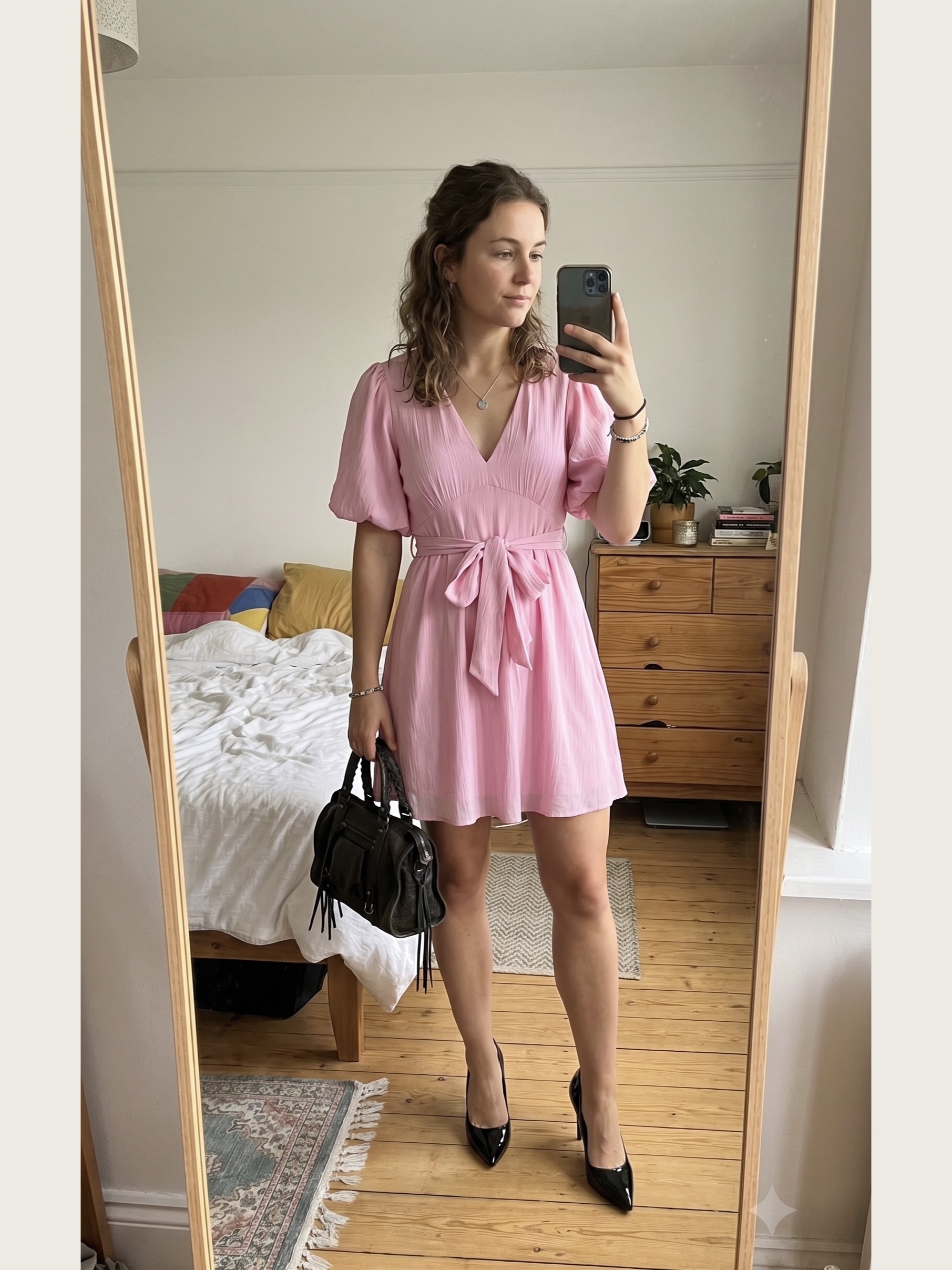
“One tap turned casual-me into date-night-me — the outfit looked stunning.”
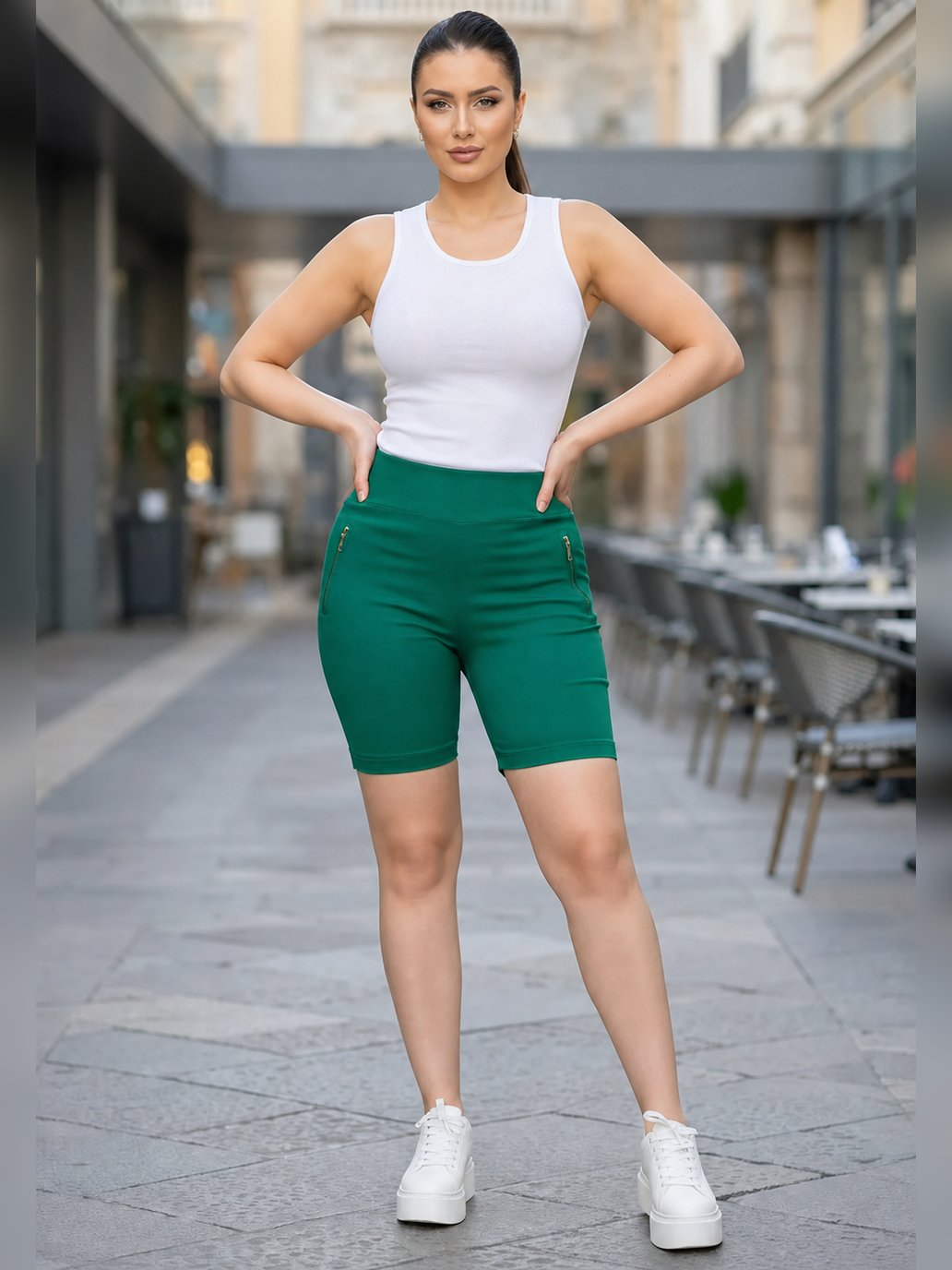
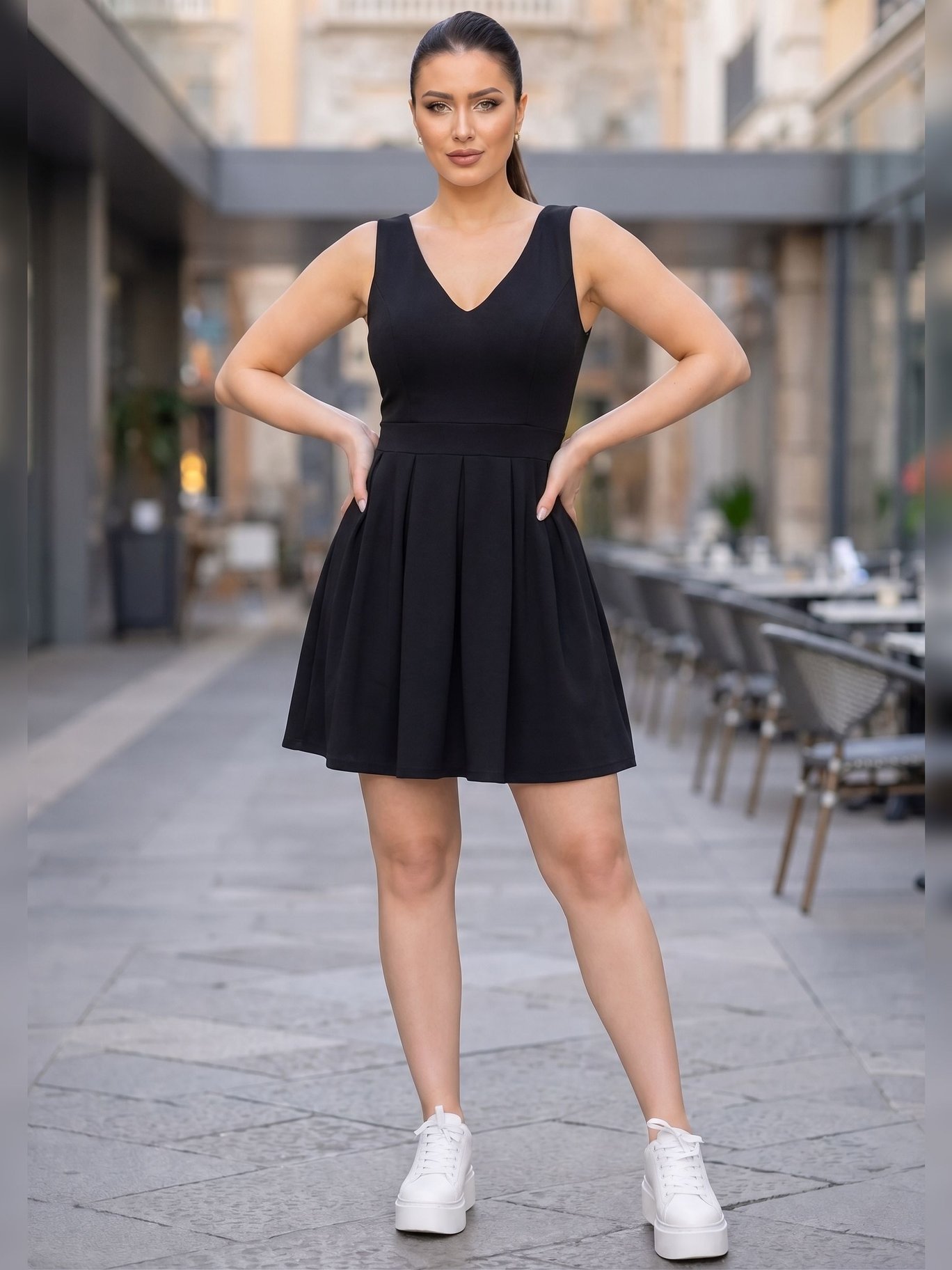
“Saw the little black dress on me before checkout — what arrived matched the try-on exactly.”
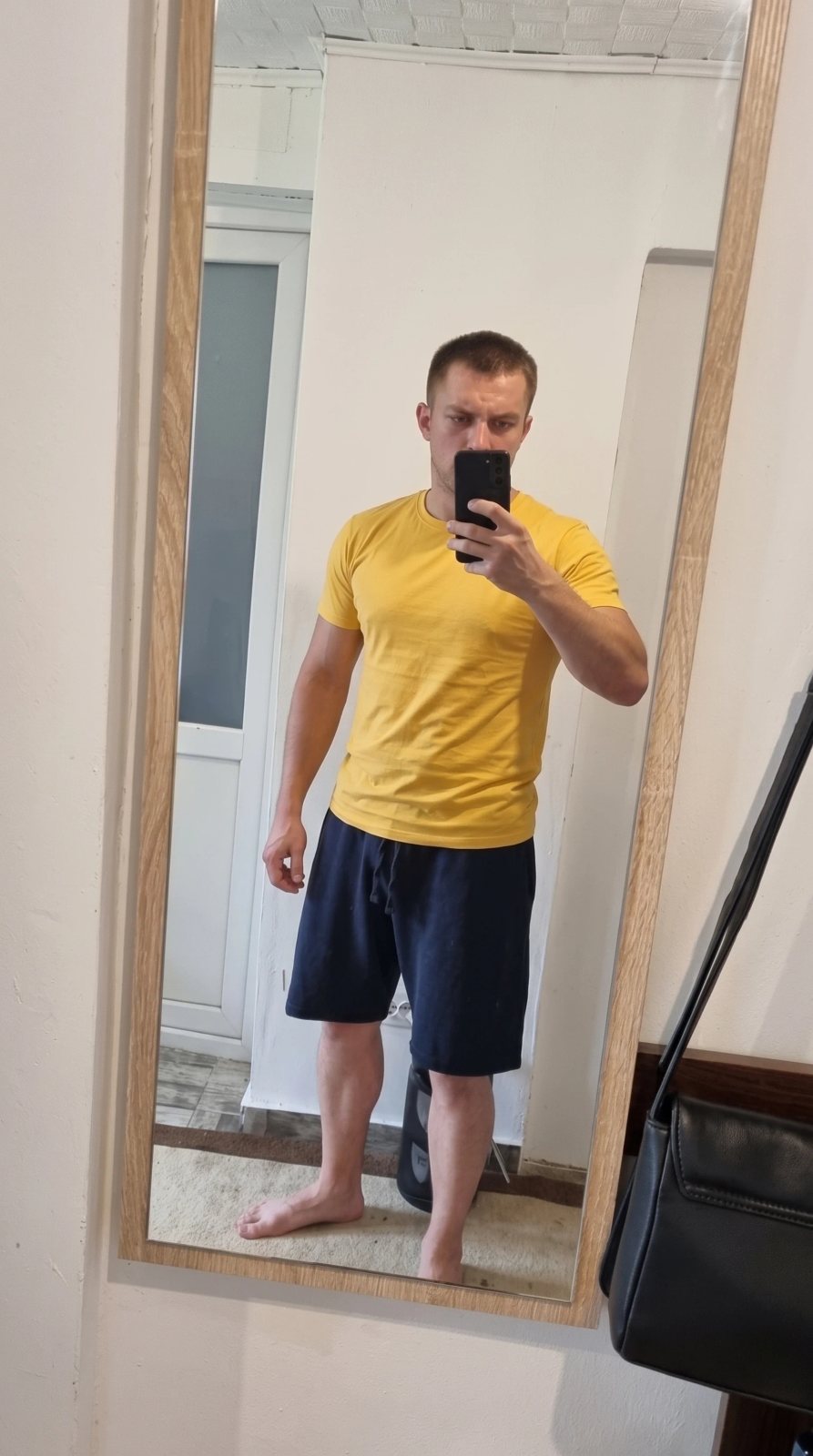
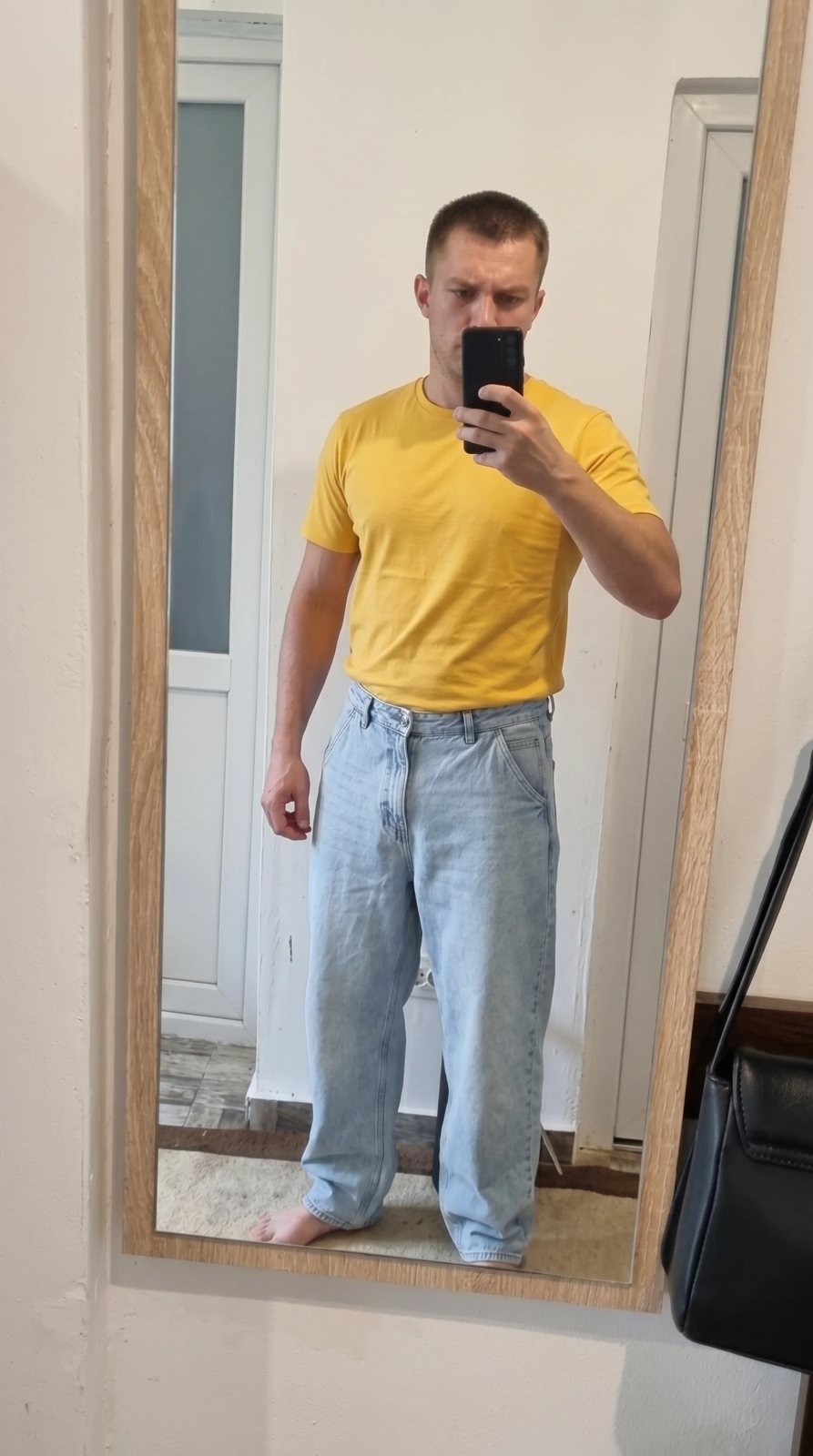
“I just wanted to see how baggy jeans looks on me. I'll never wear something like this. Dodged 30 bucks”
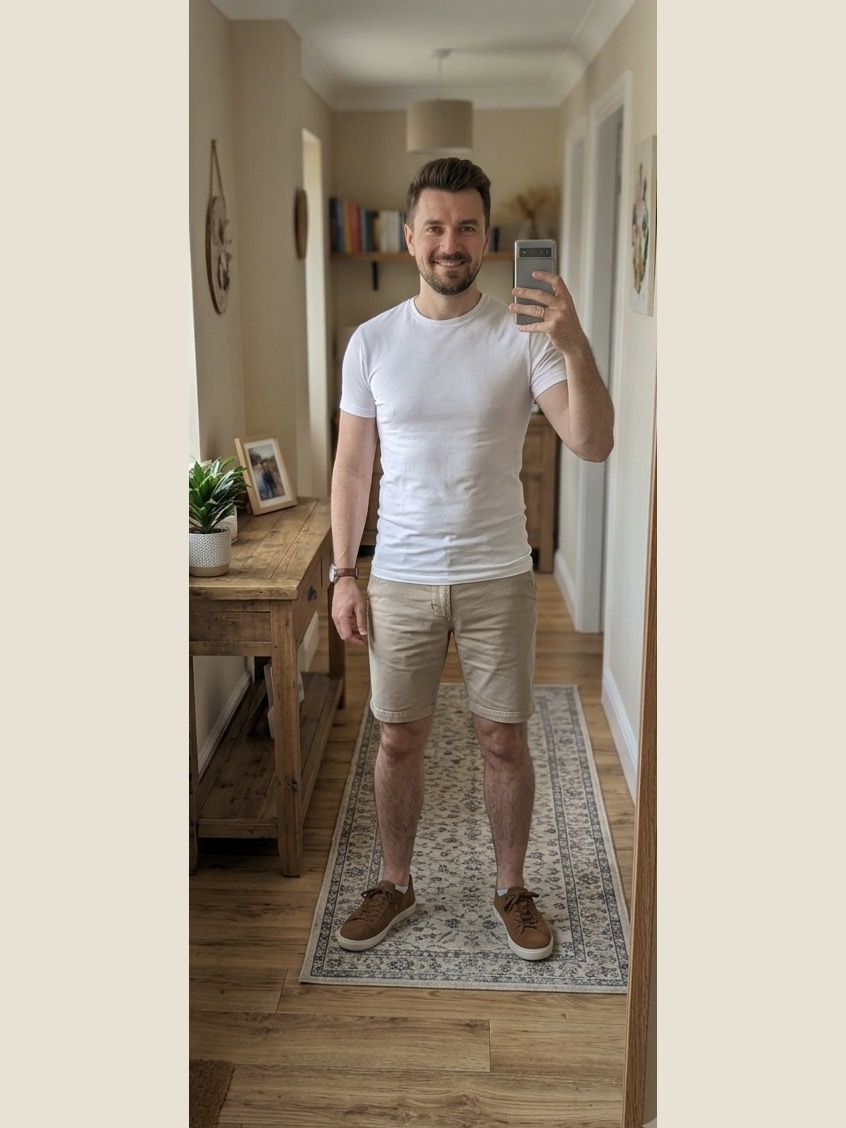
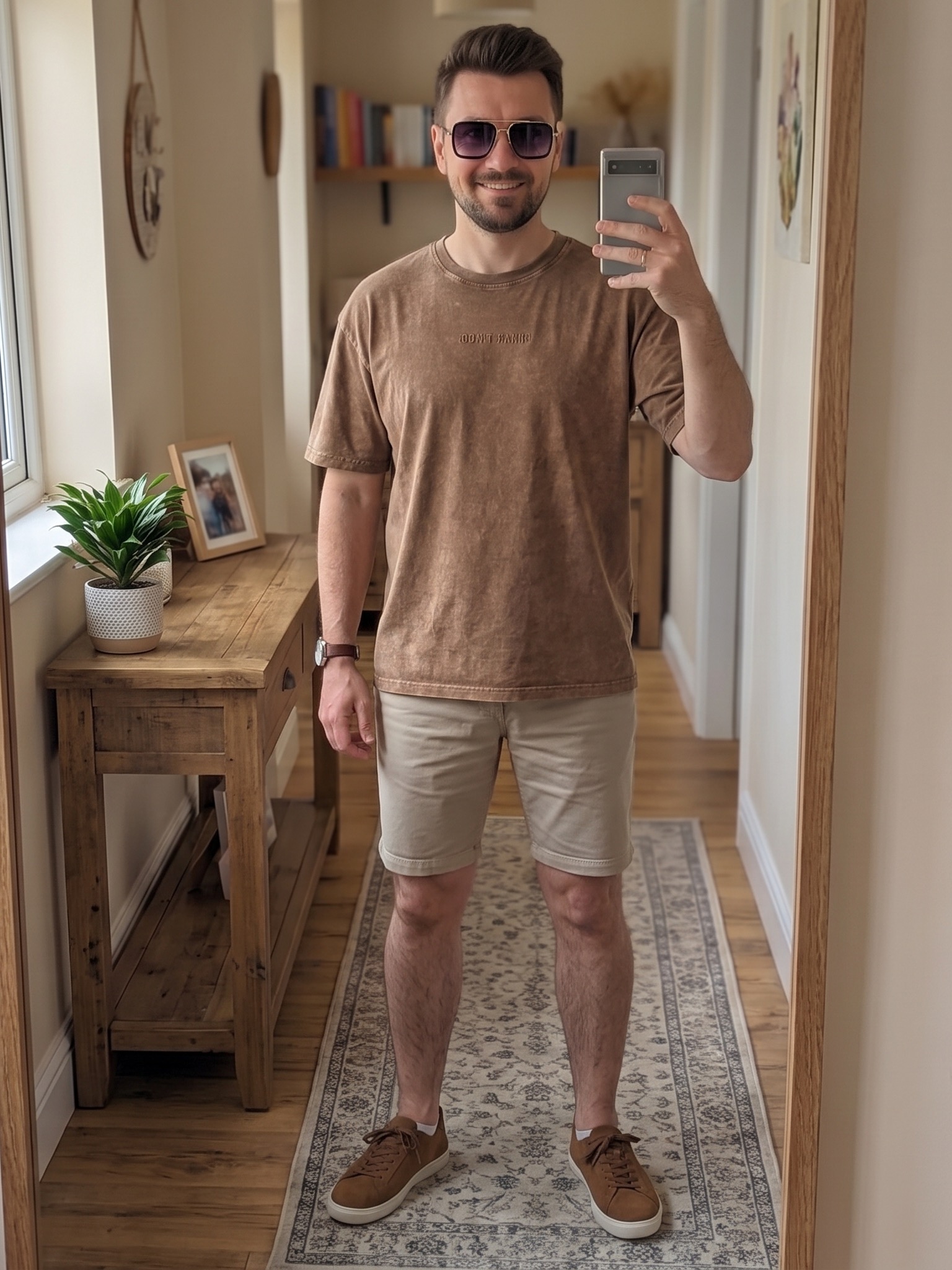
“I saw the look on me before ordering — the fit, the colour, everything spot on. No more guessing.”
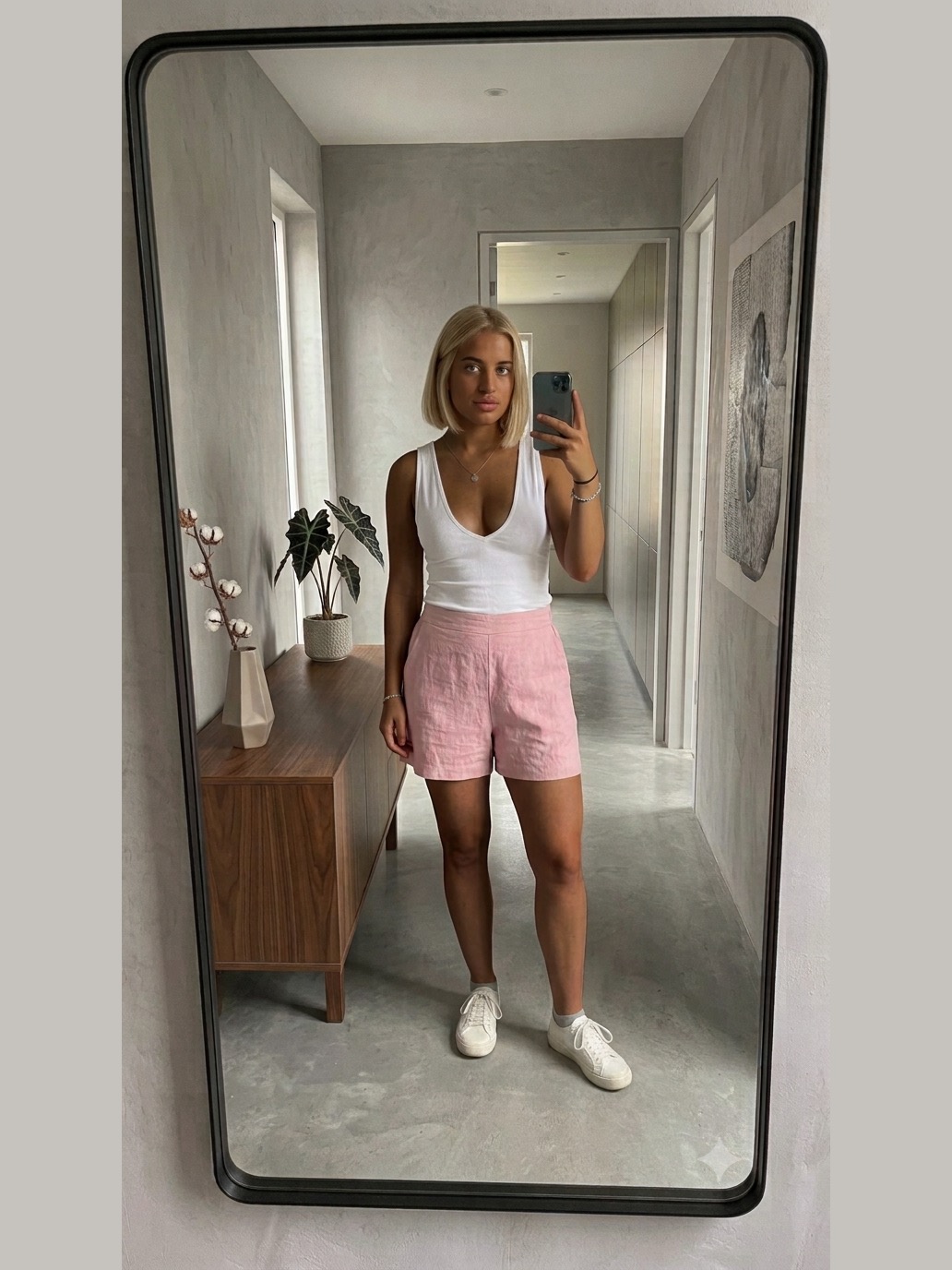
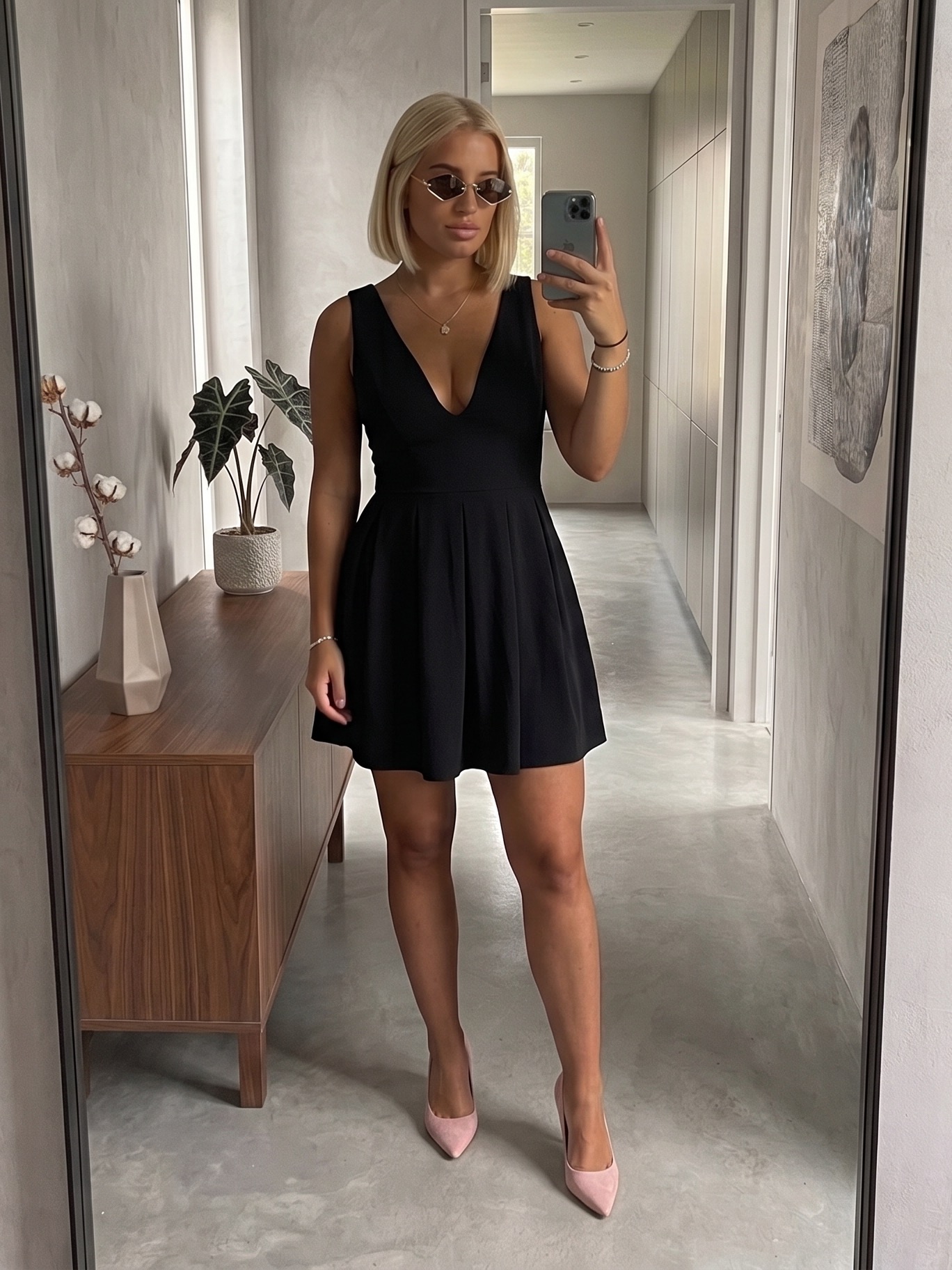
“My first free try-on hooked me instantly. Got the 100 pack. Zero Regrets!”
Pick your pack.
- ✓Any item from any store, on your body, in seconds
- ✓Full outfits — up to 4 products in one try-on
- ✓Saved outfits with product links and prices
- ✓AI stylist that guides you to the best outfits
- ✓Pay once, use whenever you need, try-ons never expire
One-time payment · no subscription · secure checkout by Stripe
Got a promo code?
Enter it to unlock a free Premium week — then just create your account.
Keep Fittly one tap away.
Add Fittly to your home screen and it opens full-screen like a real app — your profile, your looks, one tap.
- 1Open fittlyai.com in browser
- 2Tap the Share button
- 3Choose “Add to Home Screen”
- 4Tap Add — Fittly is on your screen ✨
 Fittly
Like a best friend with great taste.
Ask anything — what to wear to a rooftop party, what goes with the jacket you just tried on, or how to build a capsule wardrobe. Your stylist knows your style profile and answers in seconds.
Frequently Asked Questions
How does the virtual try-on actually work?+
You upload one photo of yourself, then add a photo of any clothing item. Fittly's AI generates a realistic image of you wearing it — in seconds.
What kind of photo do I need to upload?+
One clear, full-body photo with good lighting and no filters. Fitted clothes help accuracy, and make sure only you are in the frame. You upload it once — Fittly reuses it for every try-on.
Which stores does Fittly work with?+
All of them. Just upload a photo of any item — from Zara, Shein, ASOS, or a small boutique. If you can see it, you can try it on.
Can I try several items at once?+
Yes — build a full outfit with up to 4 products in a single try-on: upper body, lower body, shoes, or a full-body piece.
How realistic are the results?+
Very. Fittly keeps your body shape, pose, and lighting, so the result looks like a real photo of you in the outfit — not a mannequin paste-over. Your height and weight help the AI get proportions right.
What counts as a try-on?+
Each product you add to a look costs one try-on — so a 3-product outfit uses 3. Buy a pack of 50, 100, or 200 try-ons whenever you need them. Your counter is always visible in your profile.
What does the AI stylist do?+
It's a chat stylist that knows your style profile and saved outfits. Ask what to wear to an event, what matches a piece you just tried on, or how to build a capsule wardrobe — then see the suggestion on you.
Is my photo private?+
Yes. Your photo and try-ons are visible only to you. We never sell your data or use your photo to train models, and you can delete everything from your account at any time.
Can I use Fittly on my phone?+
Yes — Fittly works in any browser, on phone or desktop. Snap a photo of an item while you shop and see the fit right there.
Do my try-ons expire?+
Never. There's no subscription and nothing renews automatically — you pay once for a pack, and your try-ons stay yours until you use them.
Got a question? Write to us.
Ideas, problems, partnerships — we read everything and reply at the email you leave here.
Your next outfit is already waiting.
Join shoppers who stopped gambling on sizes and started seeing the fit first.
Try Fittly free